
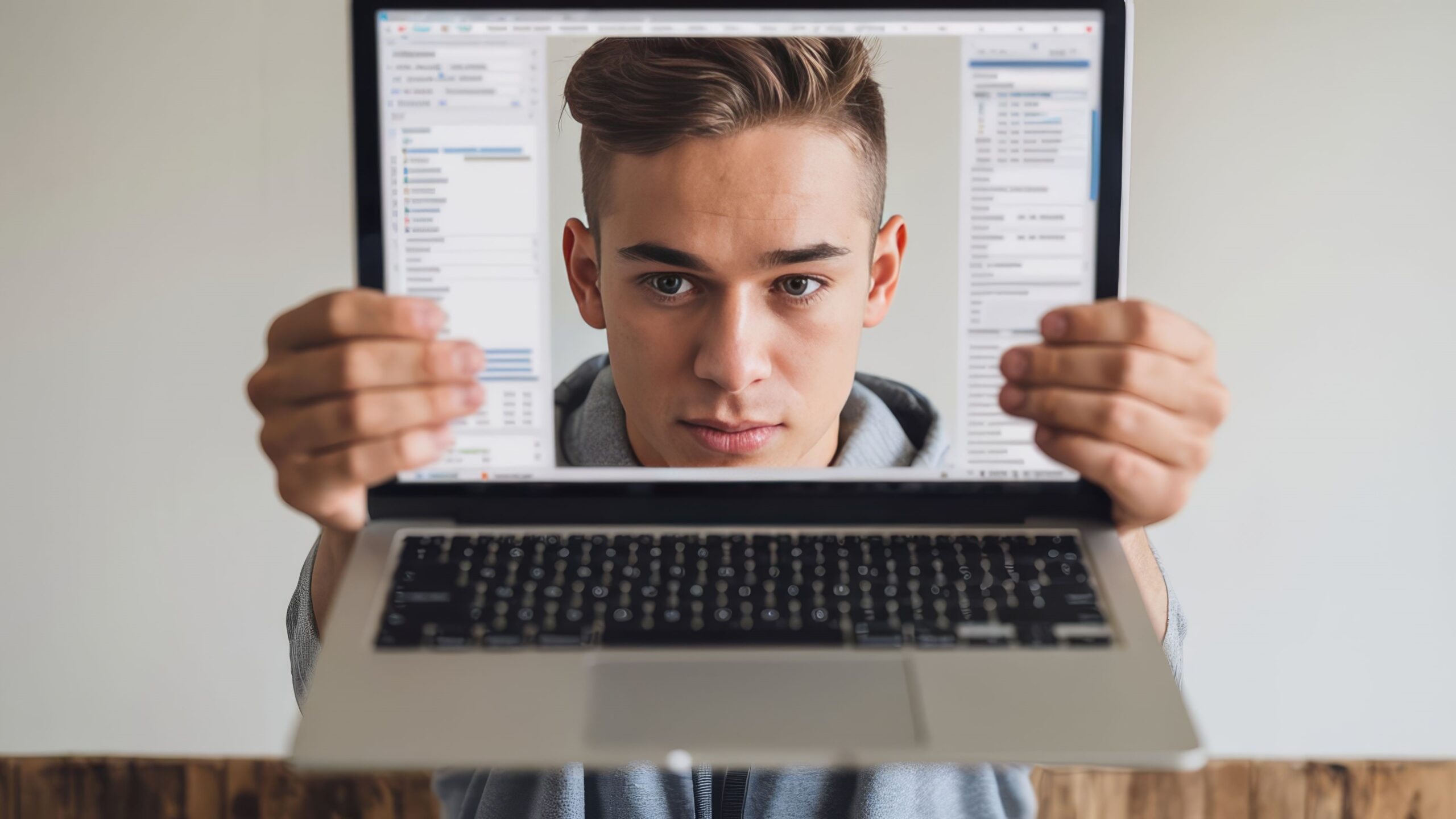
Have you ever tried to take a passport photo at home? It sounds easy, right? Just snap a quick pic, upload it, and voila! But it turns out, getting that perfect passport photo isn’t as simple as it seems. That’s where online passport photo makers come in—tools that help you create photos that meet official requirements without leaving your house. But wait, there’s a catch. You have two main options: free tools or paid ones. Which one should you choose? This article will dive deep into online passport photo makers and break down the differences between free vs paid tools, helping you decide what’s best for your next ID photo.
What Is an Online Passport Photo Maker?
An online passport photo maker is a digital tool—either a website or an app—that simplifies the process of creating a passport photo that meets all official government requirements. These tools have become incredibly popular because they allow users to skip the hassle of visiting a professional studio. Instead, you can take a photo yourself with your smartphone or camera, upload it, and let the tool guide you through the rest. This means you can get a valid passport photo from the comfort of your own home, saving time and often money.
The core function of these makers is to help you resize and crop your photo precisely according to the passport or visa photo size standards. Different countries have strict size and dimension rules, and failure to comply usually means your photo will be rejected, causing frustrating delays. These tools automatically adjust your image to fit those dimensions perfectly, so you don’t have to guess or measure manually. This accuracy is essential because even a minor misalignment can lead to rejection by passport authorities.
Another crucial feature is background adjustment. Many countries require passport photos to have a plain, usually white or light-colored background, which can be difficult to achieve in a casual home photo. Online passport photo makers use technology to either remove the original background or replace it with an approved color, making sure your photo meets these strict background rules. This process often includes smoothing out shadows and lighting inconsistencies, which helps ensure the photo looks professional and adheres to official standards.
Finally, these tools also check lighting and facial positioning to some extent. They guide you to place your head in the correct position within the frame, make sure your eyes are open and visible, and that there is no shadow obscuring your face. Once your photo passes all these checks, the tool formats it correctly for either printing at home or uploading digitally for applications. In essence, online passport photo makers do the heavy lifting behind the scenes, drastically reducing the chance your photo will be rejected and saving you the headache of retakes and reapplications.
The Rise of Online Passport Photo Makers
| Factor | Traditional Studios | Online Passport Photo Makers | Benefit to Users | Potential Drawback |
| Convenience | Requires physical visit during business hours | Accessible anytime, anywhere via internet | Saves time and travel | Requires a device and internet access |
| Cost | Often expensive, especially for retakes | Usually free or low-cost | More affordable, especially for multiple tries | Some features may be behind paywalls |
| Speed | Wait times for prints, sometimes days | Instant digital download | Immediate access to photos | Quality depends on user’s own photo-taking |
| Accessibility | Limited by location and studio hours | Available 24/7 on multiple devices | Flexibility to create photos anytime | May require some tech-savviness |
| User Control | Limited editing or retake opportunities | Multiple edits and retakes possible | More control over final photo | Risk of errors if user is unfamiliar with guidelines |
Free Passport Photo Maker Tools — Pros and Cons
Free passport photo maker tools come with a variety of advantages and disadvantages that users should carefully consider before relying on them for important documents. Here’s a detailed and extensive list of the pros and cons you can expect when using free online passport photo makers:
- No upfront cost: You can use the tool as many times as you want without spending a single cent. This is great for multiple attempts to get your photo just right.
- Basic editing features included: Most free tools allow simple resizing, cropping, and sometimes basic background color adjustments to fit passport photo standards.
- User-friendly interfaces: Designed with beginners in mind, these tools are generally easy to navigate without requiring advanced photo editing skills.
- Quick access: No need to sign up or create an account in many cases; you can jump straight into uploading and editing your photo.
- Good for casual or infrequent use: If you only need a passport or ID photo occasionally, free tools can serve your purpose without unnecessary investment.
- Instant results: Many free apps provide immediate feedback and downloads, so you don’t have to wait to get your photo.
- Wide availability: Accessible from any device with an internet connection—smartphones, tablets, or computers.
- Opportunity to experiment: Since you don’t pay, you can test different photos and cropping styles without worrying about wasting money.
- No long-term commitment: Unlike subscriptions or paid apps, free tools let you create photos without any contracts or recurring fees.
- Useful for documents with flexible photo requirements: For IDs or documents that don’t have very strict photo specifications, free tools are often sufficient.
- Lower accuracy in compliance: Free tools often lack detailed checks against country-specific passport photo regulations, increasing rejection risks.
- Limited editing capabilities: Features like background removal or lighting correction are usually basic, rough, or sometimes completely absent.
- Poor background removal: If offered, it can leave rough edges, shadows, or inconsistent coloring, which can make photos unacceptable.
- Reduced image quality: Free tools might compress images heavily, resulting in blurry or pixelated photos unsuitable for official use.
- Watermarks on photos: Some free services add watermarks to the images, which can disqualify the photo for official applications.
Paid Passport Photo Maker Tools — What Do They Offer?
Paid passport photo maker tools bring a level of professionalism and precision that free versions often struggle to match. One of the most significant advantages is their ability to deliver high-quality images through accurate background removal and enhanced image processing. These tools utilize advanced algorithms, sometimes powered by artificial intelligence, to ensure the background is flawlessly replaced with the required color or pattern, and the photo looks sharp and well-lit. This professional touch greatly increases the likelihood that your photo will meet official standards and pass inspection without issues.
Another major benefit of paid tools is their built-in compliance checks tailored to specific countries’ passport photo requirements. These validations automatically verify dimensions, head size, eye position, and other critical parameters according to the latest government regulations. This feature is invaluable for avoiding rejections, which can lead to costly delays in passport or visa processing. Moreover, paid tools often provide multiple download formats and sizes, giving users flexibility to print photos or submit digital files exactly as needed, whether for passports, visas, or other IDs.
Customer support is another key feature that sets paid services apart. Should you encounter difficulties or if your photo is rejected, many paid platforms offer assistance through chat, email, or phone. This support helps troubleshoot problems quickly and guides you in correcting the photo to meet official guidelines. Some paid services also include printing options where you can order professionally printed photos delivered directly to your home, adding convenience and saving you trips to photo studios or print shops.
Despite these advantages, paid passport photo makers come with some drawbacks worth considering. The cost can vary, with individual photos ranging from a few dollars up to $15 or more, and some services operate on subscription models that may not be cost-effective for occasional users. The additional features offered by paid tools sometimes add complexity, which can overwhelm beginners who just want a simple, straightforward photo. For those who only need a passport photo once or twice, the investment might feel excessive, especially if they do not require premium editing or support services. Overall, whether paid tools are worth the price depends largely on your specific needs, priorities, and how critical it is that your photo is accepted without issues.
Feature Comparison Table — Free vs Paid Passport Photo Makers
| Feature | Free Tools | Paid Tools | Benefit of Paid Tools | Potential Drawback of Free Tools |
| Cost | Completely free, no charge | Typically $5 to $20 per photo or subscription | Clear pricing for quality and services | No upfront cost but may have hidden limitations |
| Background Removal | Basic removal, often imperfect | Precise, professional-grade editing | Clean, compliant backgrounds with no rough edges | May leave uneven edges or inconsistent backgrounds |
| Compliance Checks | Very limited or absent | Detailed checks specific to countries | Ensures photos meet exact passport or visa rules | Higher risk of photo rejection due to inaccuracies |
| Photo Quality | Lower resolution and compressed | High resolution, sharp and clear | Prints well and accepted digitally without quality issues | Blurry or pixelated images may cause problems |
| Customer Support | Minimal or none | Dedicated support available | Quick help for troubleshooting and rejections | No assistance if photo is rejected or technical issues arise |
| Watermarks/Ads | Often present, intrusive ads | Usually watermark-free and ad-free | Clean photos without distractions or branding | Watermarks can invalidate official submissions |
| Download Options | Limited file formats (often JPG) | Multiple formats (JPG, PNG, PDF) | Flexibility to use photos for different purposes | May not have needed file formats or sizes |
| Printing Services | Rarely available | Often included or integrated | Convenience of professional printing and delivery | User must find separate printing solutions |
Who Should Use Free Passport Photo Makers?
Free passport photo makers might not have all the bells and whistles of paid versions, but they definitely have their place. They can be an excellent choice for many users depending on their needs, budget, and experience. Here’s a detailed list of who might benefit most from using free passport photo tools:
- Individuals on a tight budget who want to avoid paying for professional photography or expensive apps.
- People who need a passport photo quickly and don’t want to spend time booking appointments or traveling to photo studios.
- Users who feel comfortable making simple edits themselves, such as cropping, resizing, or adjusting the background to some extent.
- Those applying for documents with less strict or flexible photo requirements, such as student IDs, local membership cards, or certain visas that allow minor imperfections.
- Casual travelers or infrequent passport renewers who don’t want to invest in paid services for a one-time photo.
- Students or young people who might be experimenting with how to create compliant photos without extra costs.
- Individuals living in areas with limited access to professional studios, making an online free tool a convenient alternative.
- Users who are tech-savvy and willing to troubleshoot minor issues or learn the requirements on their own.
- People who prefer to do everything digitally without dealing with print shops or third-party service providers.
- Those who want to make multiple attempts at taking the perfect photo without worrying about extra costs per try.
- Anyone needing a backup photo or a quick replacement in a pinch without additional fees.
- People who prioritize convenience and speed over perfect professional quality.
- Users who do not require printed photos and only need digital versions for online submission.
- Those who want to understand passport photo standards better by practicing with free tools before investing in a paid option.
- Applicants for personal documents in countries or regions where photo standards are relatively relaxed and easy to meet.
- Individuals with limited internet bandwidth who prefer lightweight, simple tools without heavy downloads or processing.